Photo: PerfectCircuit / Pixabay
Clock Jitter, Explained: Why Your Hardware Rig Feels Loose Even When the BPM Is Right
Two machines can agree on 128 BPM and still disagree about where the beat falls. A guide to MIDI clock jitter, what it does to groove, and what’s worth buying to fix it.
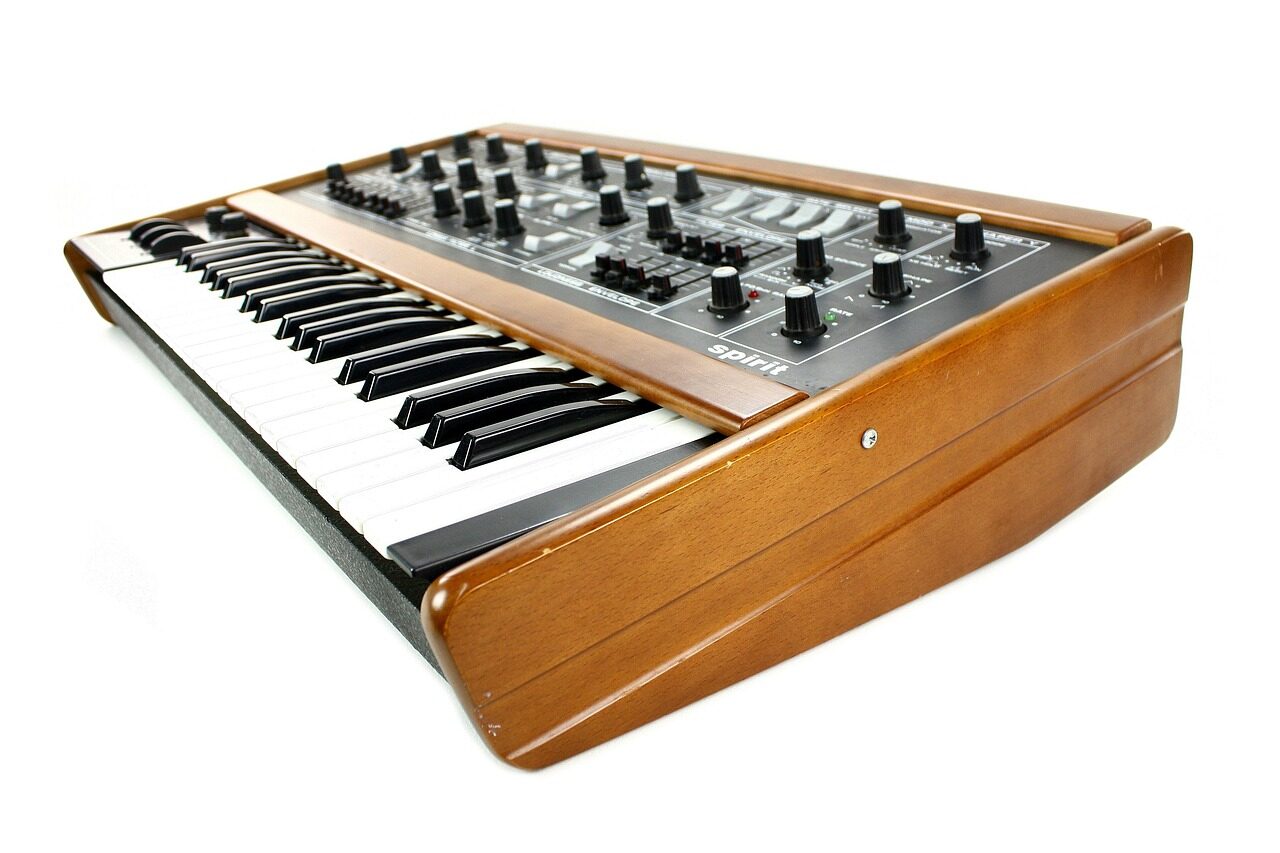
You have a drum machine, a bassline synth and a sequencer on the desk. Everything is set to 128 BPM. The display says so, the clock lights are blinking, and yet the kick and the bass never quite sit together. They seem to wobble against each other, like two people walking in step who keep nearly colliding. Welcome to clock jitter, the least glamorous problem in electronic music.
What jitter actually is
Most hardware talks to other hardware through MIDI clock, a stream of timing pulses sent 24 times per quarter note. At 128 BPM that’s one pulse roughly every 19.5 milliseconds. A receiving machine counts the pulses and advances its sequence accordingly.
The problem is that the pulses aren’t always evenly spaced when they arrive. The sender may be busy handling other tasks. The cable, interface or USB hub may batch messages. The receiver may check its input on a timer that only runs every few milliseconds. The result is jitter: small, random variation in when each pulse lands.
Some numbers help. The commonly cited threshold at which most listeners begin to feel a groove as sloppy rather than human is around 3 to 5 milliseconds of timing deviation on percussive material. A standard DIN MIDI connection has a maximum throughput of 31,250 bits per second, so a single clock byte takes about 0.32 milliseconds to send. That’s fine on its own. But add a note message of three bytes, then a controller message, and a clock pulse can be delayed by a millisecond or more waiting its turn.
Latency isn’t jitter
This distinction trips up almost everyone. Latency is a constant delay: your sequencer’s kick arrives 10 milliseconds late every time. You can compensate for that, and most DAWs offer an offset for exactly this reason. Jitter is a variable delay: sometimes 2 milliseconds, sometimes 9, never the same twice. It can’t be offset because it isn’t predictable.
Players often describe the two differently. Constant latency feels like playing a laggy instrument. Jitter feels like a drummer who’s listening to something else.
Where it creeps in
According to Teodor Vashti, a repair technician who services studio equipment in Gothenburg, the worst offenders are usually USB MIDI hubs and cheap interfaces. “People think USB is fast, and it is, but it polls on a schedule,” he says. “Some class-compliant hubs round everything to a one-millisecond frame, which is fine, and some buffer for eight. You don’t know until you measure.”
The usual suspects:
- DAW-driven clock sent over USB, where the computer’s operating system competes for attention.
- Daisy-chained MIDI thru boxes, each adding a tiny delay and some variation.
- Older drum machines whose internal clocks are read by a slow-polling processor.
- Wireless MIDI adapters, which can add 5 to 15 milliseconds of jitter on a busy network.

THE DROP · From the crate: The Eight-Hour Mix: Why Marathon Sets Are Quietly Taking Over Streaming · Photo: Gigxels / Pixabay
How to measure it
You don’t need a lab. Route a click from each machine into separate channels of an audio recording, run the project for ten minutes at 128 BPM, and zoom in on the waveforms. A well-synced system will show the transients lining up within about a millisecond. A poor one will drift, scatter and occasionally lurch.
Some interfaces now offer their own diagnostics. The Tarn Audio SyncLine 8, a dedicated clock hub released earlier this year, displays live jitter in microseconds on a small screen. In Vashti’s bench testing, it held a 0.08-millisecond standard deviation across eight outputs, against about 1.4 milliseconds for a popular USB hub he compared it with.
Fixes, in order of cost
The cheapest fix is organisational. Pick one device as the master and make it the least busy. A dedicated sequencer with nothing else to do will generally send tighter clock than a DAW running 80 plugins. Keep the clock chain short and avoid sharing a MIDI line between clock and heavy controller data.

From the crate: The Last Field: Can the Mid-Sized Festival Survive 2027? · Photo: OrnaW / Pixabay
Next, consider a standalone clock generator, whose only job is to send steady pulses. These run from about 150 to 600 euros and typically offer separate outputs, so no machine has to relay another’s timing.
The most expensive option, and the most robust, is analogue sync. Many classic machines accept a pulse at a fixed rate, such as 2 or 4 pulses per step, which avoids the encoding delay of MIDI altogether. Modular-style clocks send these as simple voltage pulses, and jitter drops to well below 0.1 milliseconds.
Does it matter?
Here the argument divides. Some producers insist the tiny wobble is part of the music, and in genres built on loose, human swing that may well be true. Others, especially in techno and house, want machine-tight kicks locked to a bassline that doesn’t flinch.
“I can feel it at about four milliseconds,” says Vashti. “But I’ve also heard people fall in love with a rig that was swimming around by six. The point is to know which you’ve got. Then you’re making a choice, not discovering a problem at 3am.”
The test is simple: record ten minutes, zoom in, and look. If the transients scatter like spilled rice, you now know why the groove feels the way it does.
Ayumi writes about emerging scenes, listening spaces and the DJs shaping them, having started out in zine publishing and record-shop culture. She is based in Osaka.
Every track by Ayumi →


Conversation (…)